Do you ever feel like you’re fighting a losing battle trying to remove unwanted objects from your photos? Are you tired of the tedious process of manually selecting and editing out every little imperfection? If so, don’t worry – we’ve got you covered!
In this article, we’re going to introduce you to some of the best photo editing software options available in 2023 that will make removing unwanted objects from your photos a breeze.
Whether you’re a professional photographer or just someone who loves taking photos, these tools will help you achieve the perfect, clean image you’ve been dreaming of. So, let’s dive in and see what options are available!
Top 3 Software to Clean Up Pictures
Are you tired of looking at cluttered and messy pictures? Do you want to clean up your photos and make them look more polished and professional while even being a scrub? Then you need the right software to help you get the job done! Here are the top 3 software options to consider for cleaning up your pictures:
- Adobe Photoshop
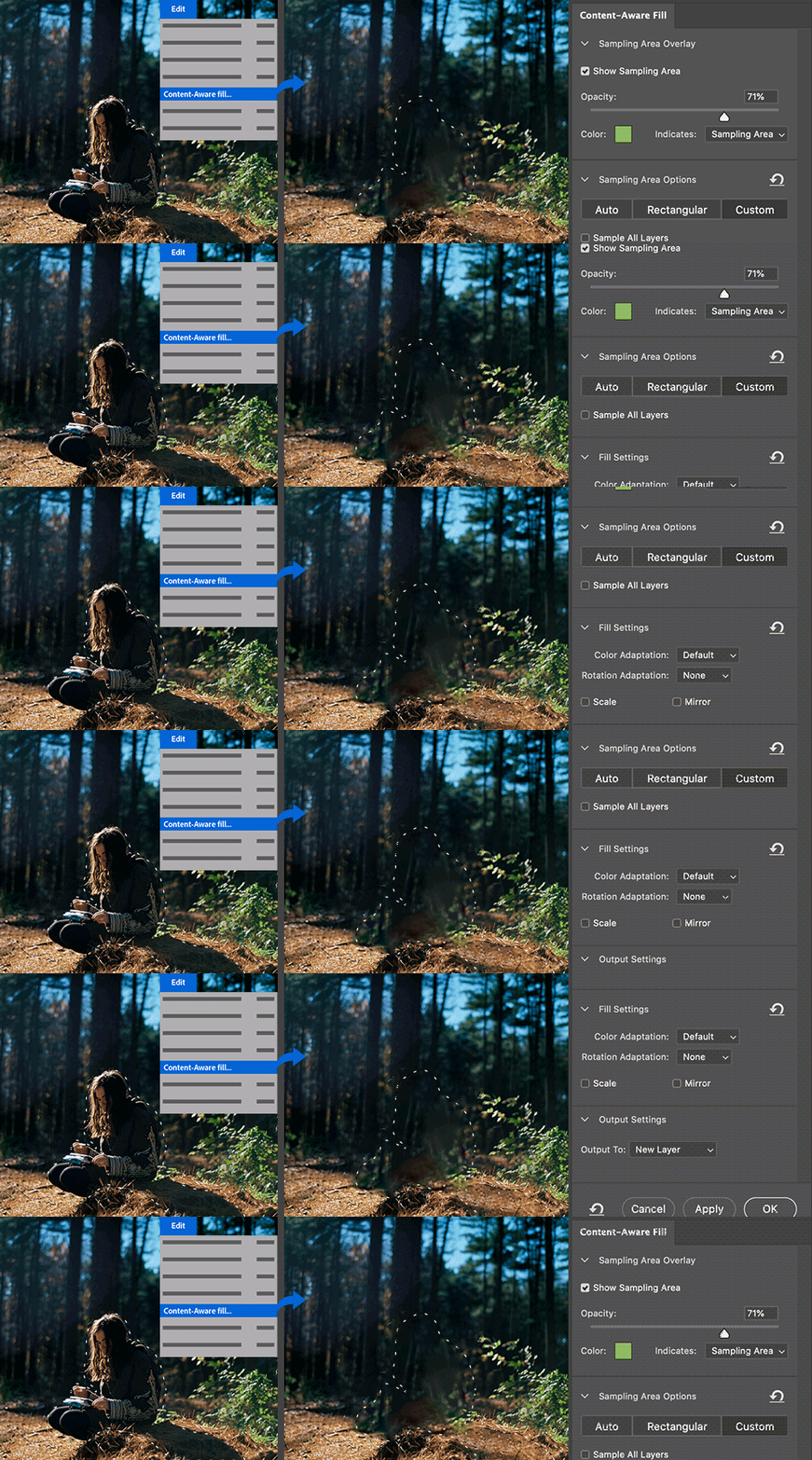
When it comes to photo editing software, Adobe Photoshop is a powerhouse. Its intelligent object removal technology is one of the most advanced among vector photo editors. With its selection tools, lasso tool, eraser tool, clone stamp tool, and healing brush tool, you can easily remove unwanted elements with ease.
The newly introduced Content-Aware Fill feature is a game-changer. It allows you to quickly fill in the space left behind and blend seamlessly into the background, giving you a clean-looking result. You can even add shadows or highlights depending on what looks best for your image. In addition, Adobe Photoshop has masking capabilities which makes it easy to isolate certain parts of objects if needed, making precise edits faster than ever.
- Luminar 4 AI Sky Enhancer Plus
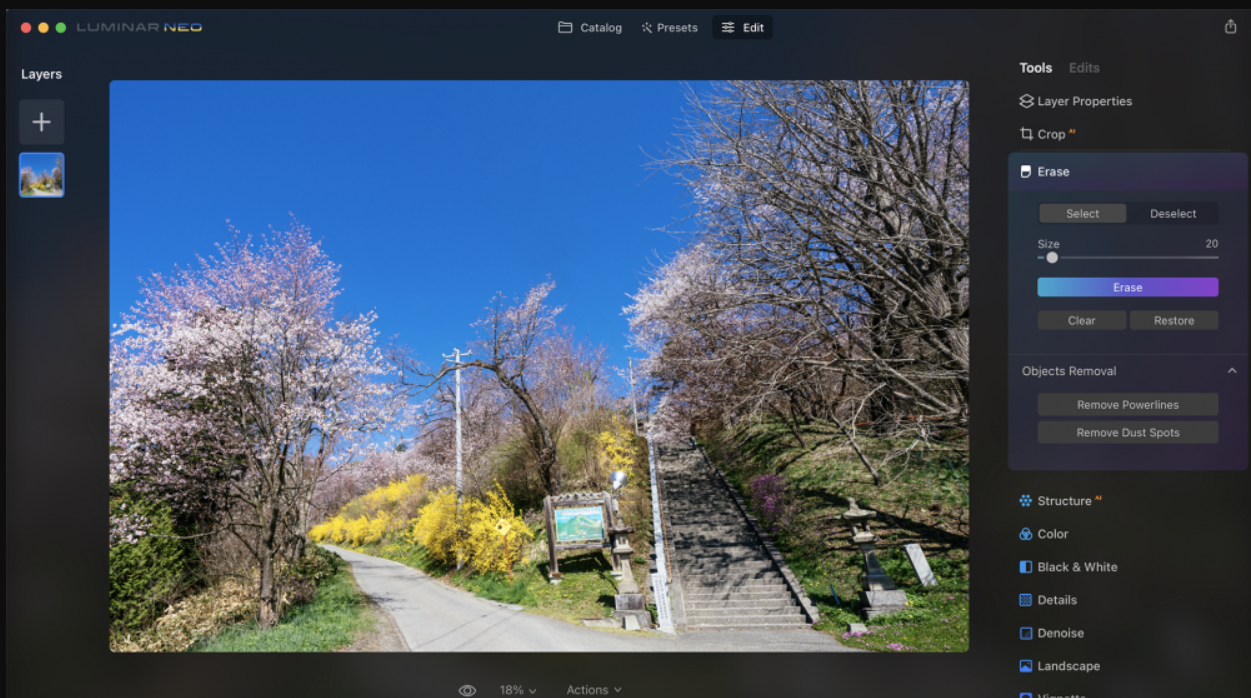
If you want to remove objects from your photos while also enhancing your sky, Luminar 4 AI Sky Enhancer Plus is a great option. This software uses artificial intelligence (AI) technology to automatically identify the sky in an image and allow users to change its look with easy sliders.
Sky enhancement tools such as Sunrays Lighting, Color Shift Tritone Filters, and Deep Blue Haze make it possible to achieve realistic skies quickly and effortlessly, even if there’s nothing but a blue background in your shot!
- Snapseed
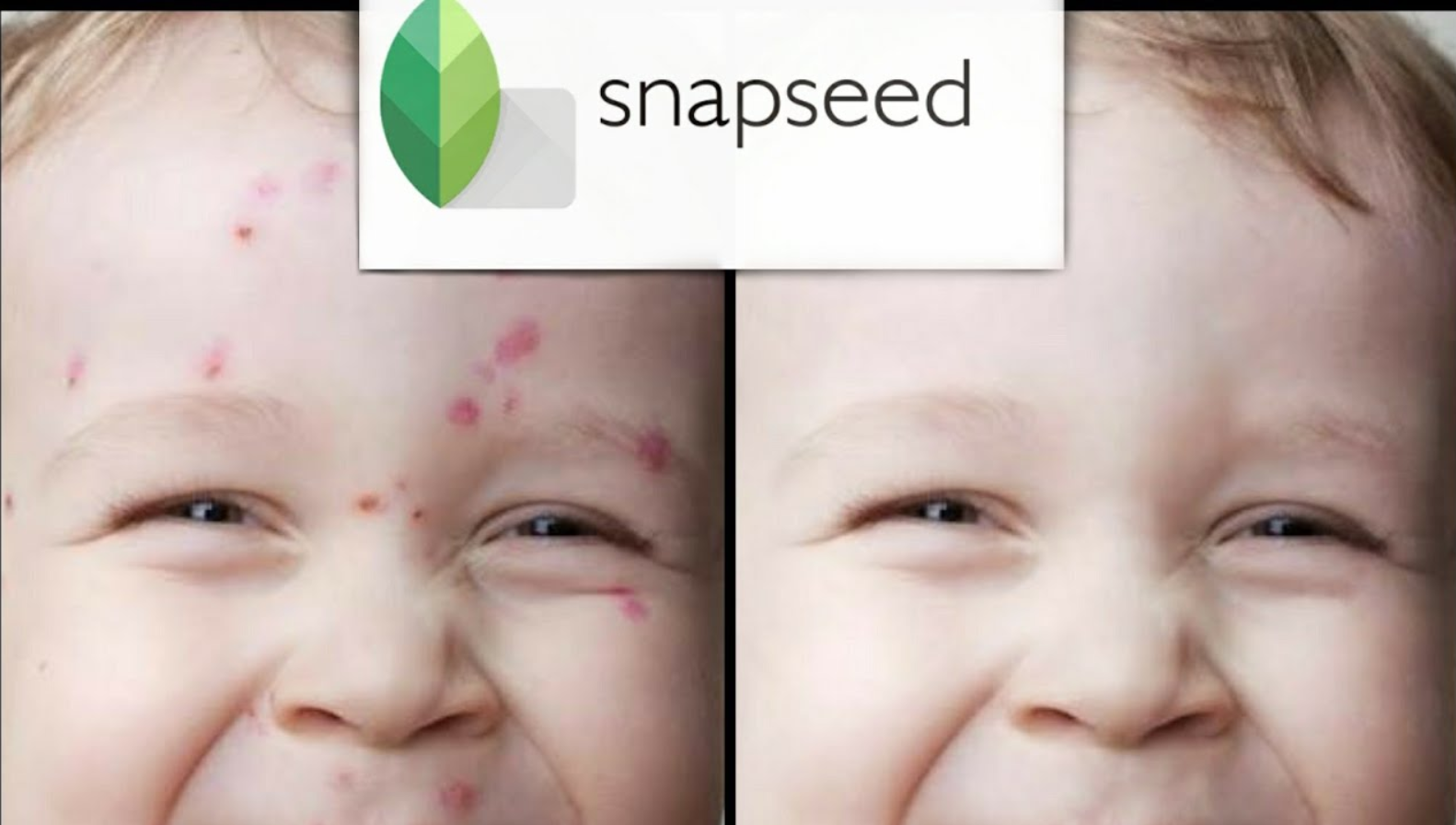
Snapseed is another photo editing app that can help you remove unwanted objects. While its object removal capabilities aren’t as advanced as Adobe Photoshop, you can still get the job done with a bit of manual editing and patience. The size of the object you want to remove with the healing brush will be unique to every case.
Whether it’s an entire building or a small pimple on your subject’s face, Snapseed’s healing brush tool will adjust in size and get the job done. This makes it very easy to fine-tune precisely which parts of an object are removed without affecting any part of the background or nearby elements in the frame.
Online Object Removal Tools
If you don’t want to download any software, you can use online object removal tools to get rid of unwanted objects in your photos. Two great options are Fotor and ImgCleaner.
Fotor’s AI-powered object removal tool is incredibly easy and straightforward to use. There are few online object removing tools out there, and Fotor is one of the bests. Simply upload your image, select the object, and click on the “Remove Object” button. That’s all there is to it, just watch Fotor magically erase it away!
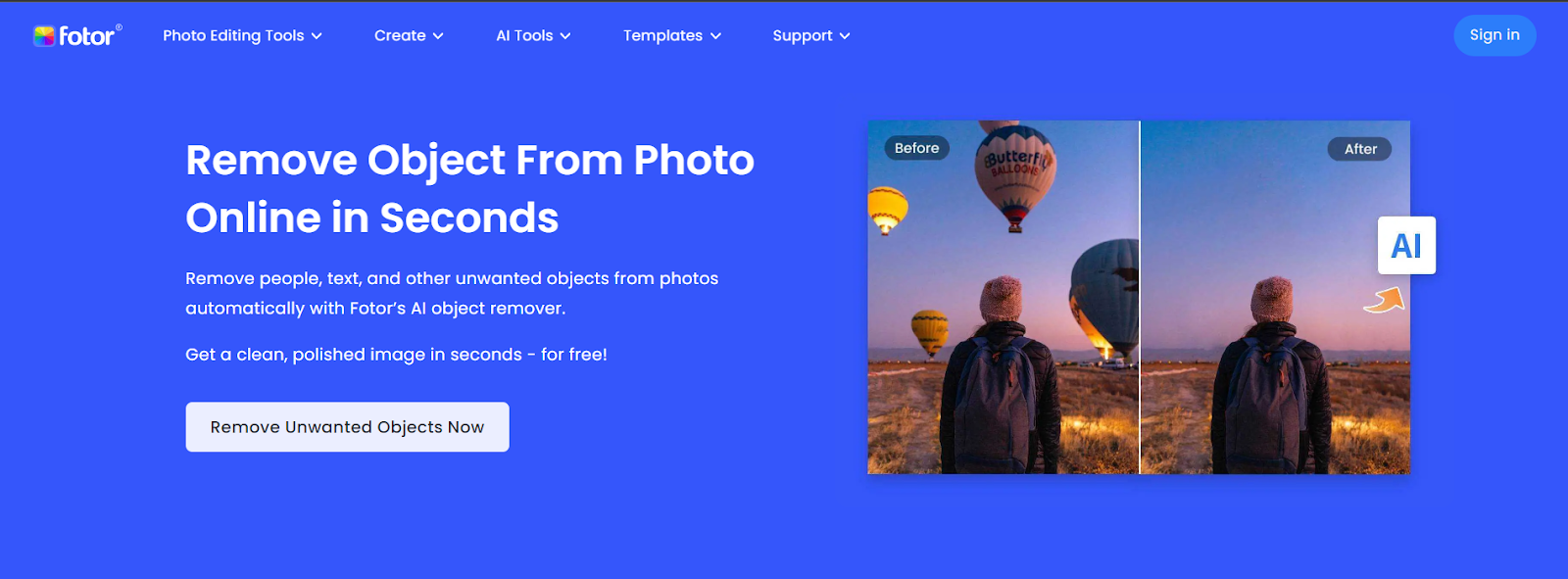
Image Cleaner works differently than other options we have looked at so far. You use a brush to select the object you want removed, and it could be an item, object, defect, people, text, watermark or imperfection. Simply select, remove, and ImgCleaner will replace the empty area with photorealistic parts based on the surrounding area.
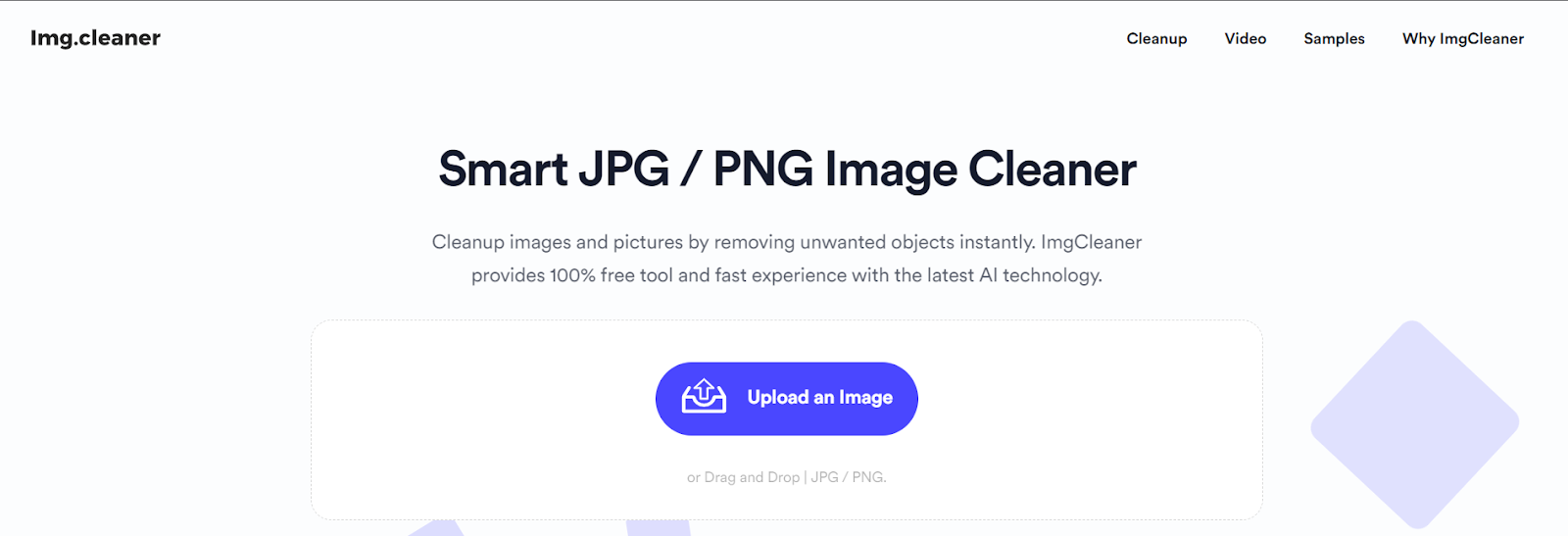
A good thing is that It’s free for unlimited images.
Conclusion
With the help of advanced AI technology, removing objects from photos has never been easier. From Adobe Photoshop to online object removal tools like Fotor and ImgCleaner, there are many options available to help you achieve your desired results. Try out some of these software options and start creating cleaner, more polished photos today!